Don’t make one design. Make a whole batch.
Type what you want. Preview Studios makes a batch of different versions at the same time. Pick the one you like, then build it.
Make my first batch free8 free pictures. No card.
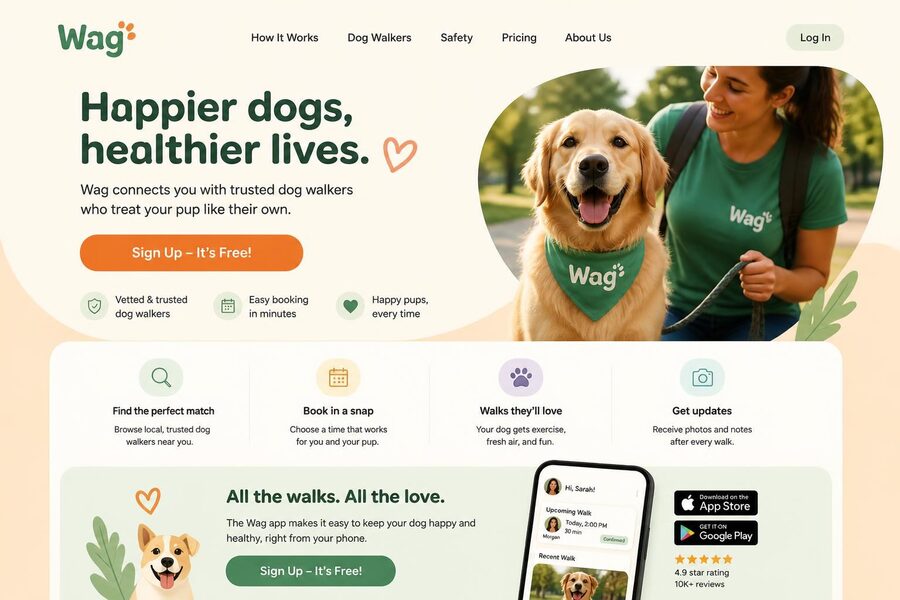
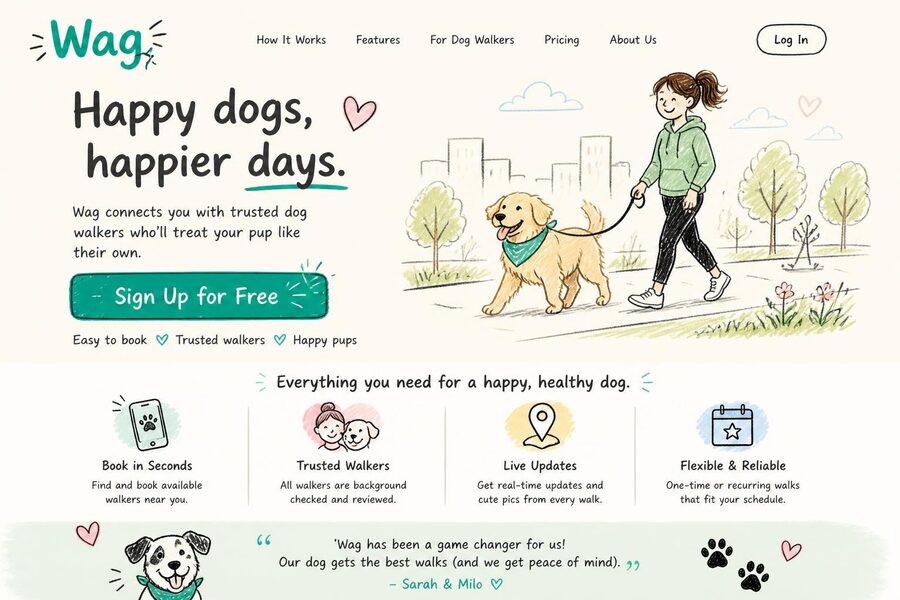
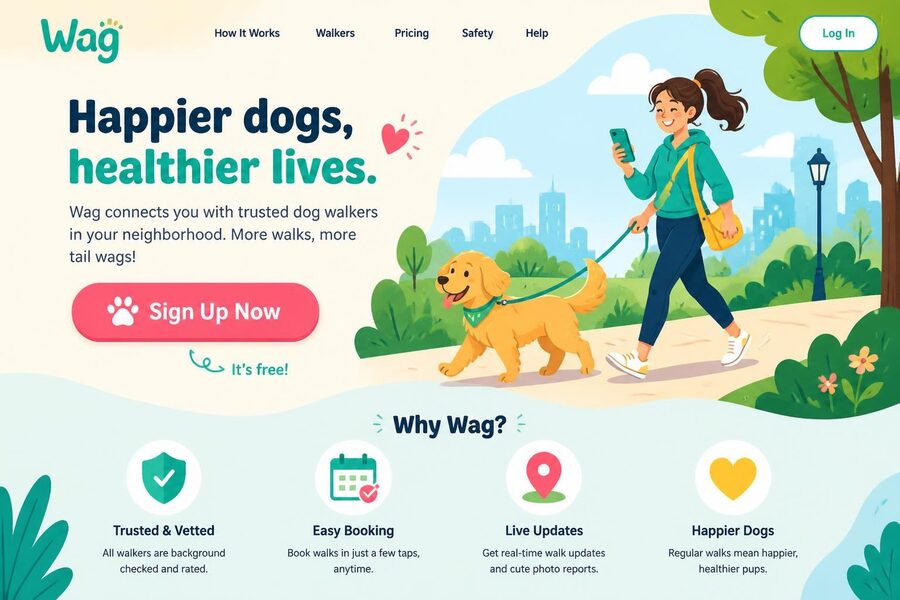
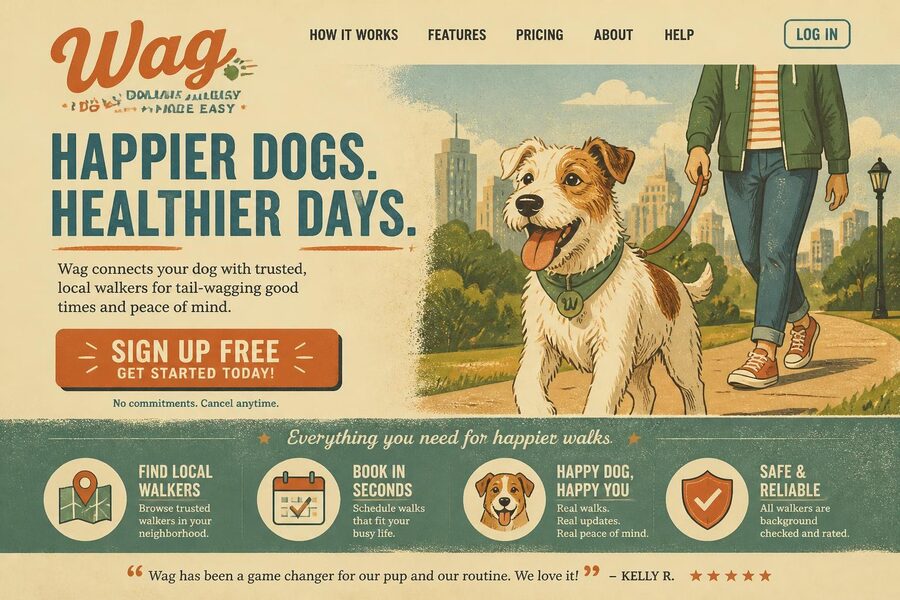
One sentence, one batch. These four were made by Preview Studios at the same time, in about 20 seconds.
One sentence in. A batch out.
Every picture in a batch goes in a different direction, so you’re choosing between real options. Everything below was made by Preview Studios.
Thumbnails
A thumbnail for a video about how I saved 10,000 dollars in one year
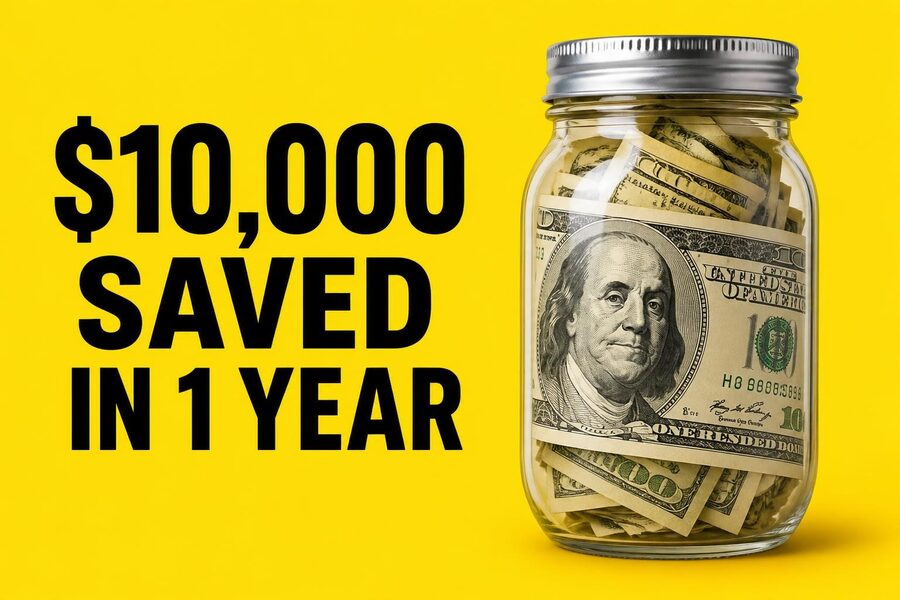
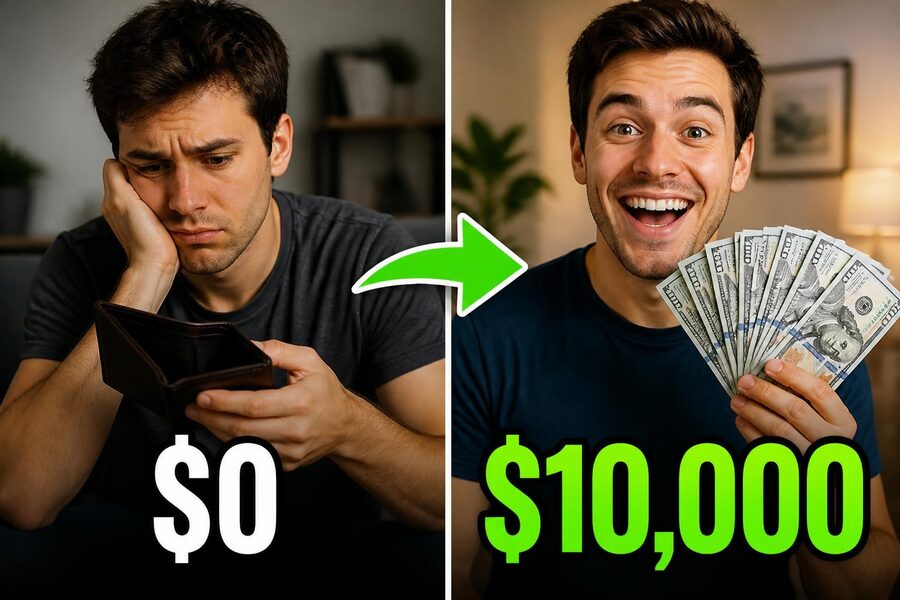
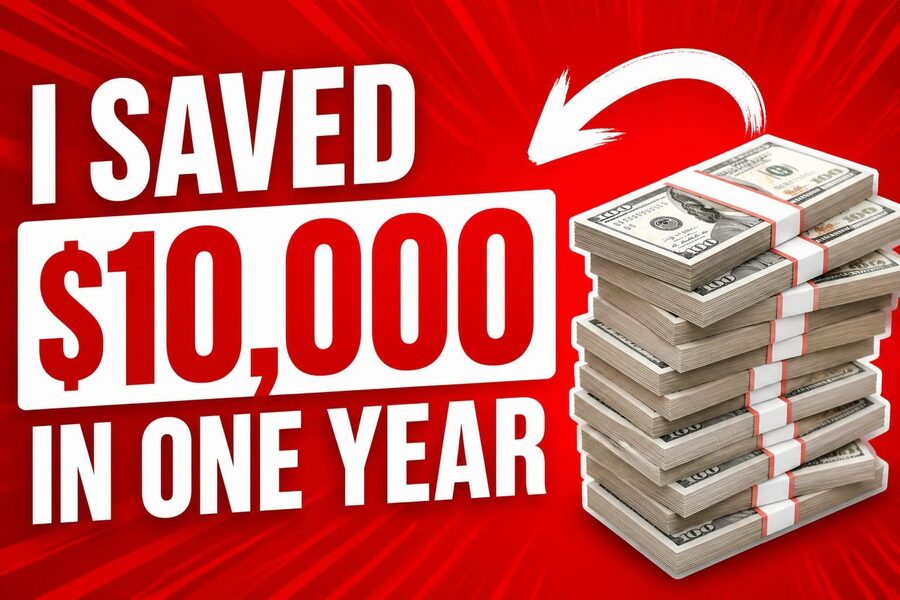
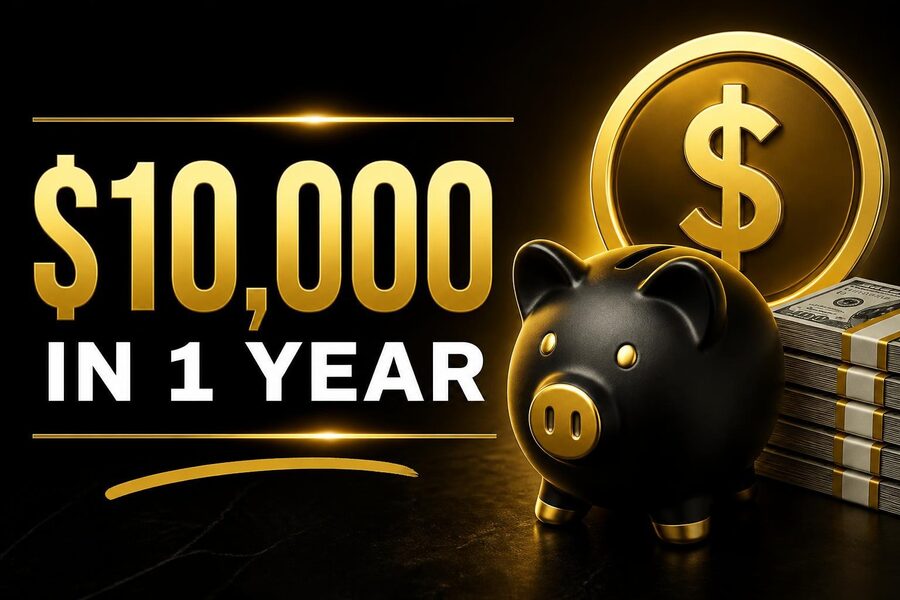
App screens
The home screen of a habit tracker app called Streak
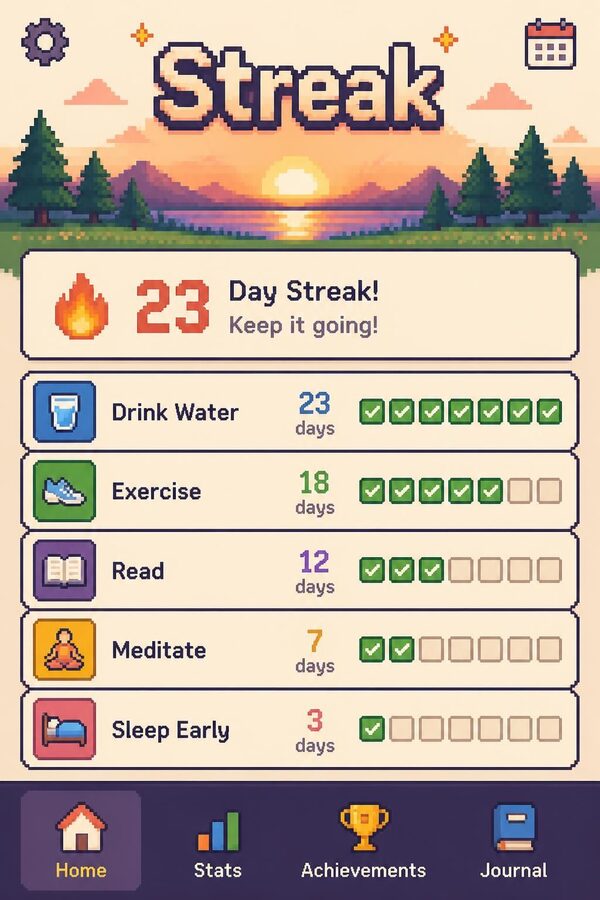
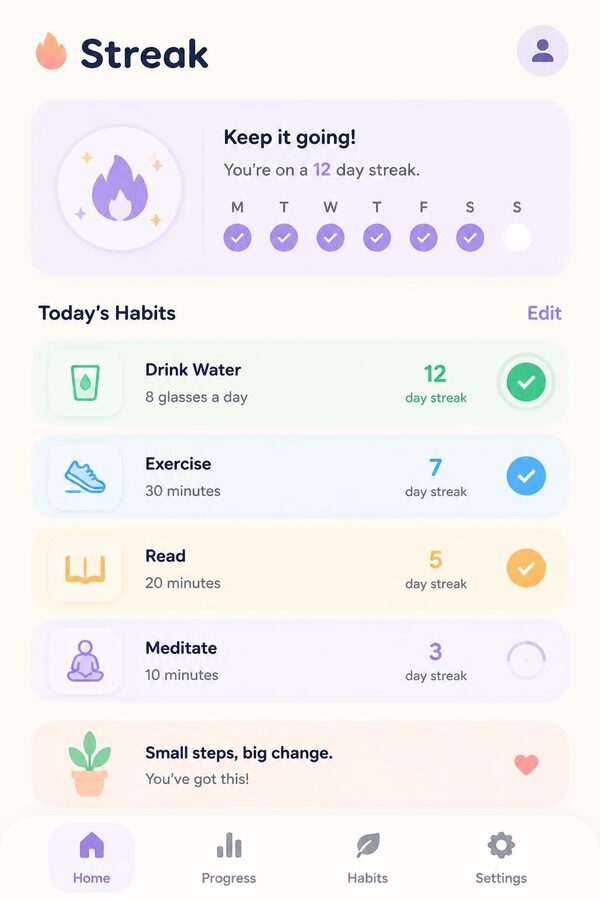
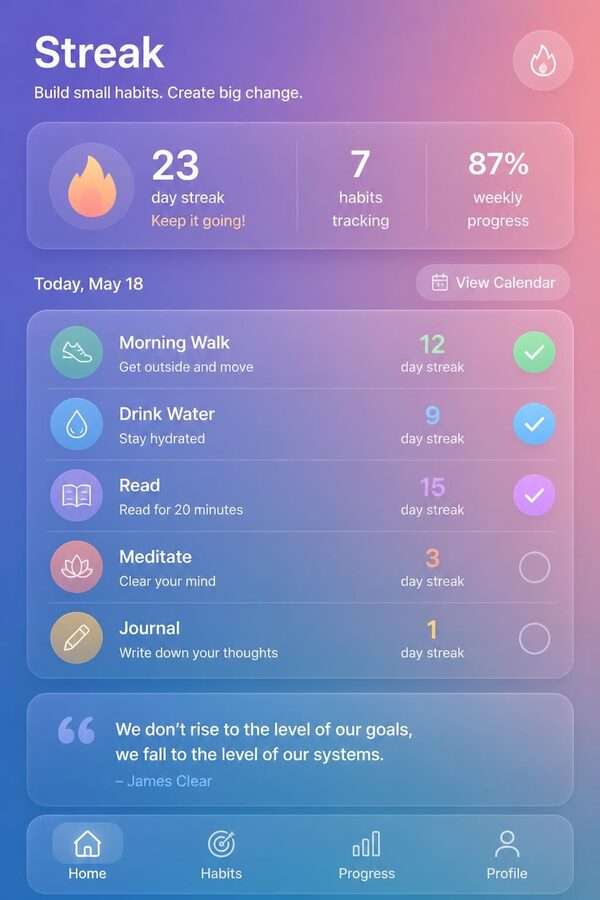
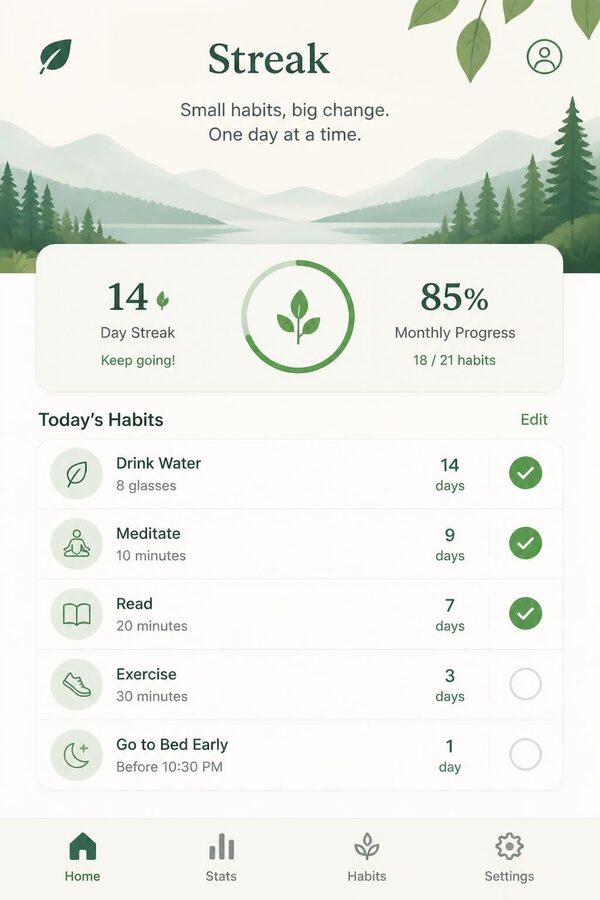
Logos
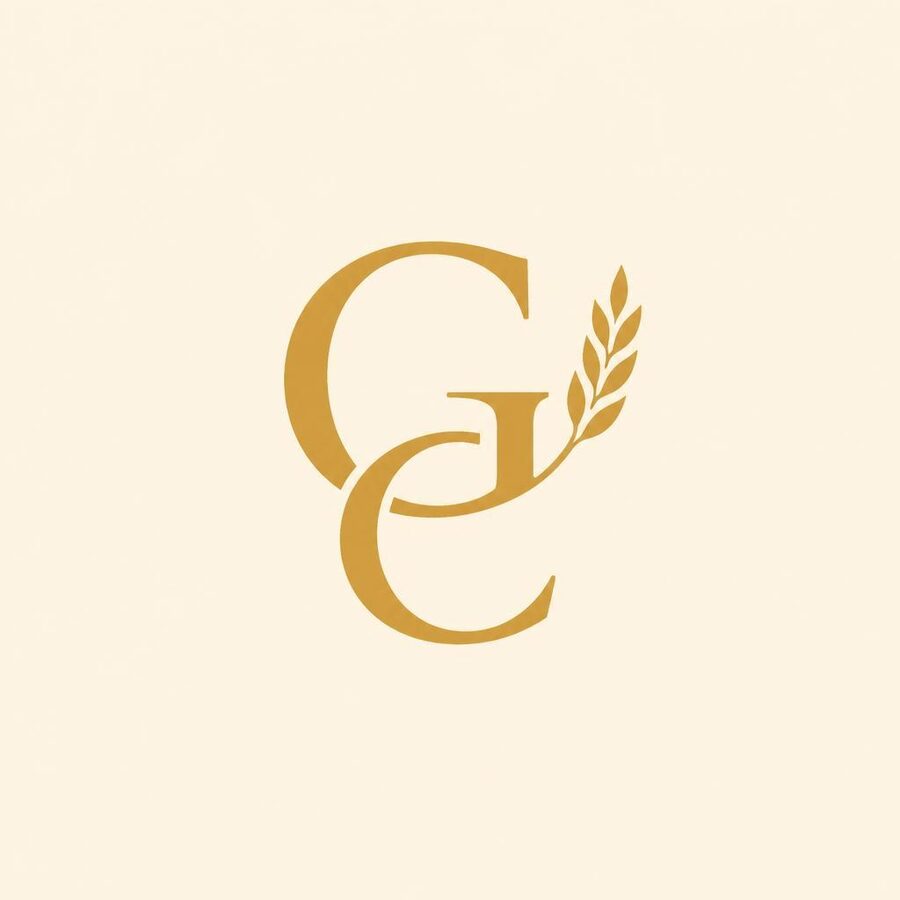
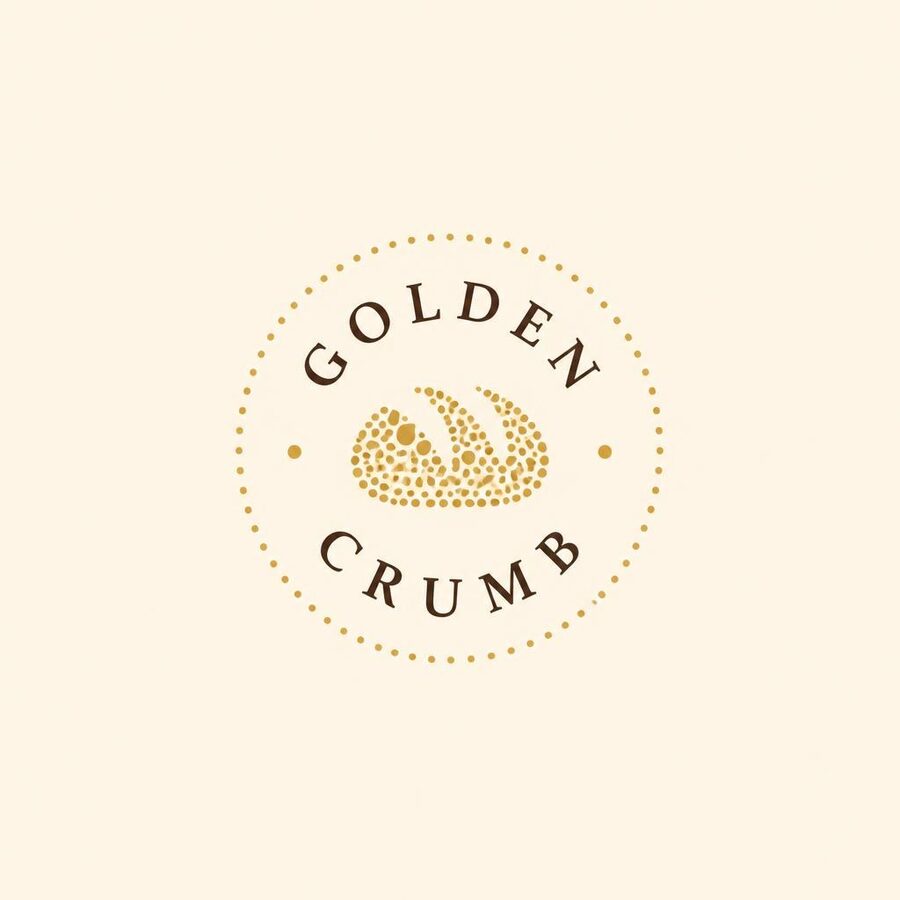
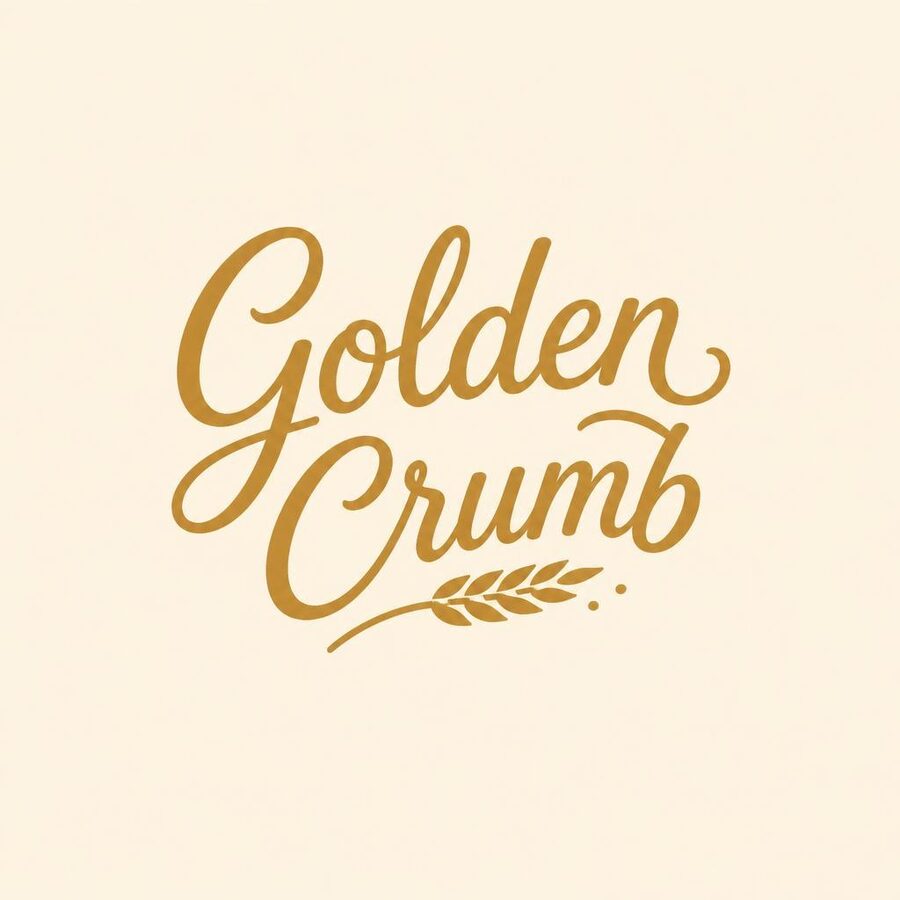
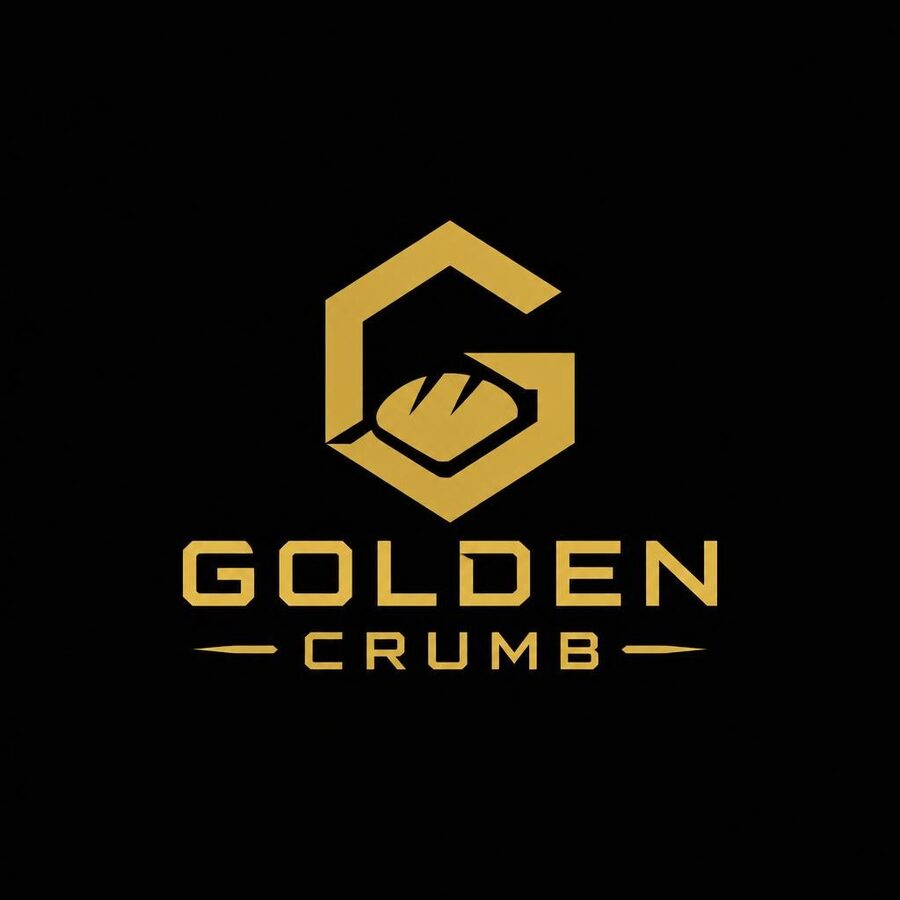
A logo for a bakery called Golden Crumb
How it works
See the design before you build it.
Say what you want
One or two sentences: “a landing page for a dog walking app” or “a thumbnail for my video about saving money”.
Get a whole batch
Pick how many: 2, 4, 8 or up to 16. Each one goes in a different direction: minimal, bold, playful, premium. All made at the same time.
Pick one and build it
Star your favorites, save them, throw the rest away. Building a website? Copy the build note and give it, with the picture, to your coding tool.
Why a batch beats one at a time
The first idea is rarely the best one.
One picture at a time
- You wait, look, change the words, wait again.
- You only ever see one direction.
- You settle for “good enough”.
A batch from Preview Studios
- Up to 16 versions come back together.
- Every one is a different style, on purpose.
- You pick the best one, not the first one.
Made for people who build things
Anything where seeing a few options first saves you time.
If you build websites
Get the look right as a picture first. Then hand the picture and the build note to your coding tool and build the one you picked.
If you make videos
A batch of thumbnail ideas for one video, so you can pick the one that grabs you.
If you’re starting something
App screens, logos, or anything else you can describe, before you spend a day making it by hand.
Private to you
Only your account can open the pictures you make.
Keep what you like
Star, save and download every picture. Throw away the ones you don’t want.
HD when it matters
On paid plans, make a sharper HD version when you’ve found the direction you like.
Pricing
Start free. Pay only if you want more pictures.
Questions
Short answers.
What do I get for free?
8 pictures, in batches of up to 4. No card. That’s enough for two batches so you can see how it works.
What counts as a picture?
Each picture in a batch counts as one. An HD picture counts as 8, because it costs a lot more to make. A picture that fails doesn’t count.
Can I use the pictures for my business?
Yes. We don’t claim the pictures you make. They’re made by AI, so two people can get similar results, and you’re responsible for how you use them. The details are in the Terms.
Does it build the website for me?
No. It makes the design as a picture. You (or your coding tool) build it. The “Build note” button copies a ready note to paste next to the picture.
Is the text in the pictures real?
It’s placeholder text. It usually reads well, but AI pictures can misspell words, so treat the words as a sketch and the layout as the point.
Who can see my pictures?
Only you, signed in to your account. What you type is sent to our picture maker (OpenAI) to make the pictures. See the Privacy Policy.
What is a creator code?
Every account has one. Share your code or your link; when someone signs up with it and buys a plan, you earn 50% of every monthly payment they make. How it works.
When do paid plans open?
When Preview Studios opens to the public. Until then the free pictures work and creator codes already count sign-ups.
Share it and earn 50%
Every account gets its own creator code and link. When someone you send buys a plan, you get 50% of every monthly payment they make.
How creator codes workA whole batch of designs at once. See it before you build it.